Loading…
Real platform numbers — no estimates and no invented figures.
Updated: Nov 3, 2026, 10:32 AM
How it starts
Your name, phone and grade — under a minute.
Pick the subject and the teacher, then send the request.
Approval opens their content, library and exams.
Your progress is saved and grades appear right after submitting.
Holding a centre code? Enter it and the request reaches your teacher automatically.
Inside the lesson room
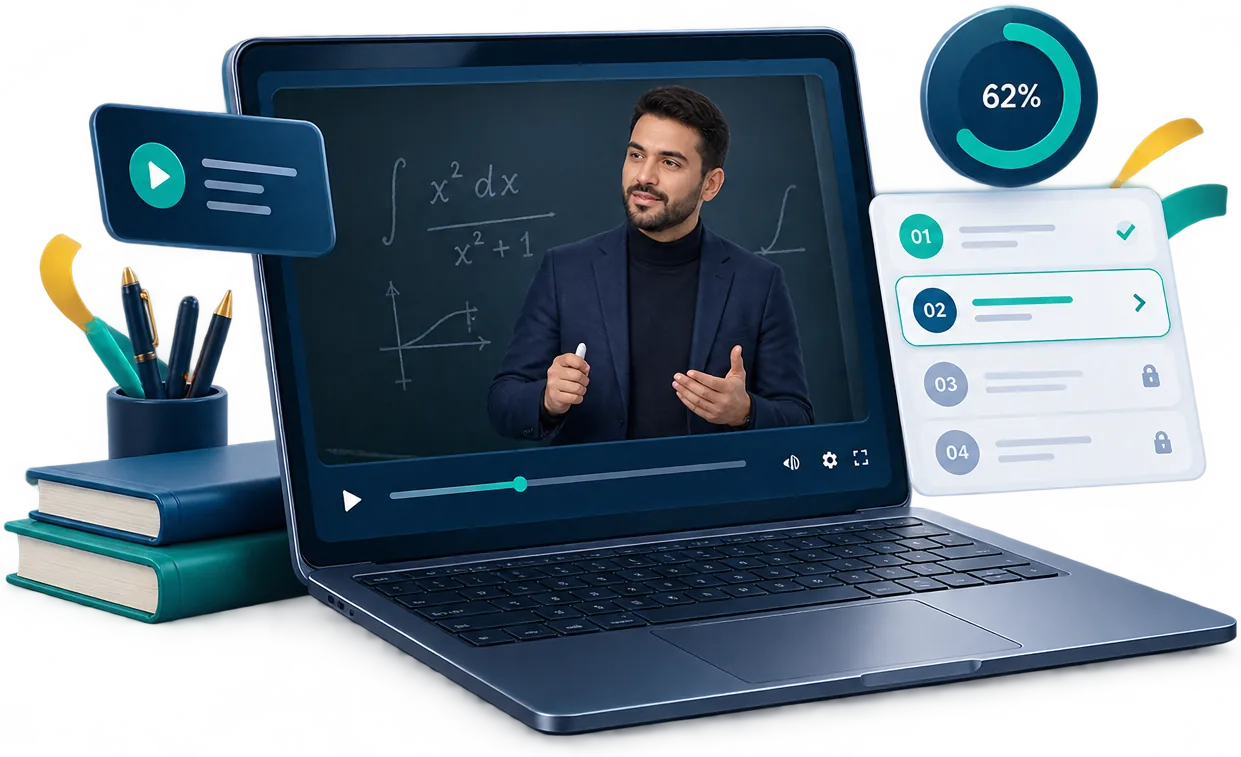
Video adapts across qualities and networks, and your position is saved automatically.
Inside the curriculum
The curriculum follows the teacher's own order: a unit, its lessons, and an exam at the end — with your progress saved lesson by lesson.
Locked lessons open in order, and the exam opens once its unit's lessons are done — with the timer counted on the server.
The exam room
The timer runs on the server, answers save themselves, and your grade appears the moment you submit.
If the network drops mid-exam, your answers are saved and you continue from the same question.
Your progress and teachers
Every teacher is an independent membership and every course an independent subscription — all legible at a glance.
You can end a membership whenever you want, and your results record stays saved.
Holding a centre code?
Every code belongs to one teacher and one course. If you are not a member of that teacher yet, entering the code sends a join request for you.
MDD-4F2K-91
The subscription only opens once the join conditions and the code's validity check out — and every code is usage-limited with an expiry date.
Trust and protection
No absolute promises — these are the protections actually running inside the platform.
For teachers and centres
Apply for a teacher account; the team reviews it, activates your account and sends your credentials.
The form is inside the platform — your details go to the platform team for review.
Every grade has its own courses and curriculum — your catalog only shows what belongs to you.
Available grades come directly from the platform; any dashboard update appears here.

On your phone screen
No store and no file downloads: the app registers on your device and opens from its own icon.
No install button? From the browser menu choose "Add to Home screen".
Installing is entirely optional — the platform works in the browser with no install at all.
Answers to what students and teachers ask before starting.
After signing up with your grade, open "Teachers", pick the subject and the teacher, and send a join request. Once the teacher approves, their content, library and exams open for you.
Enter it on the course page. If you are not a member of that teacher yet, the code itself sends the join request, and the subscription opens once its conditions are met.
Yes. Every teacher is an independent membership and every course an independent subscription — you can study one subject with one teacher and another subject with someone else.
In "My teachers" you will find end membership, and it takes effect the moment you confirm. Your results and record stay saved, and paid subscriptions are handled separately.
Access and download from the platform stop after the membership ends, but the copy you downloaded to your device is beyond our control — and we say that plainly.
You see the status in "My teachers" and you can send a request to another teacher for the same subject — every membership is independent.
Immediately after you submit: your score and answer breakdown appear right away, with the timer calculated on the server.